Let guests pick their own seats
The easiest way to create a venue. A sketch, a PDF or Excel, or just tell me.
Three steps
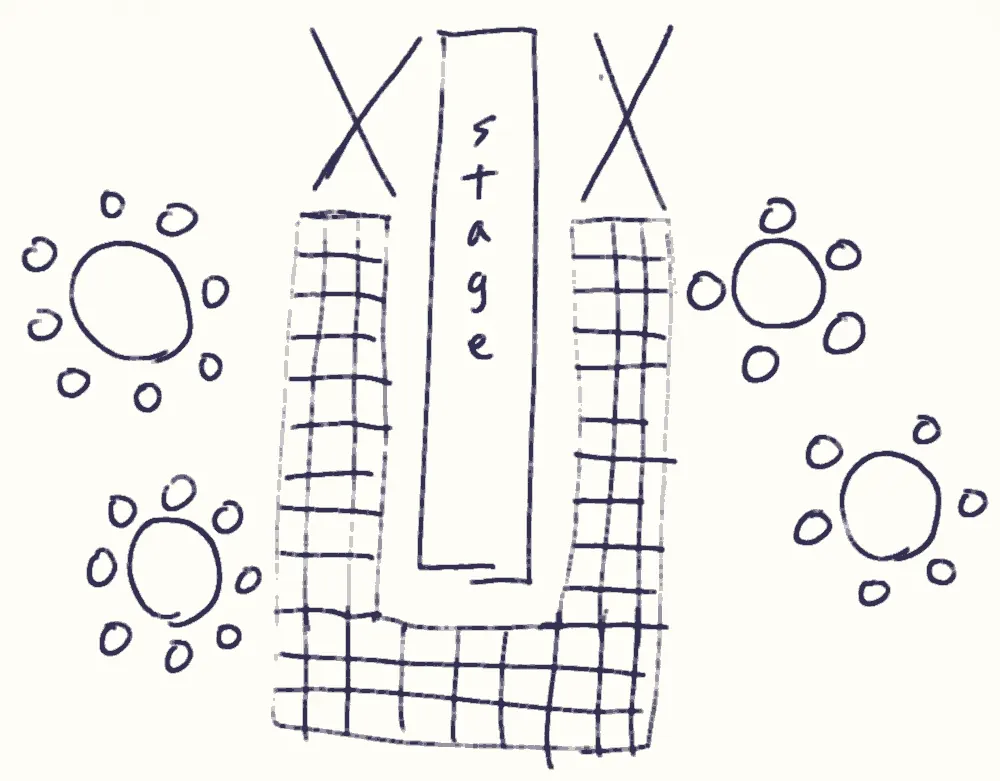
- Upload a plan, or say it in a sentenceA photo of a sketch, a PDF, an Excel file, or a description in words. AI reads the rows and seat numbers and asks about anything unclear.
- Set price zonesAssign seats to ticket types. Capacity stays matched with Luma, so nothing oversells.
- Guests pick their seatsAfter buying, guests get a seat link and tap their seats on the phone. Every ticket has its own entry QR and can be passed to the people coming along.
Made for seated events
Anywhere you need to know who sits where.
- Dinners and fundraisersTables, VIP and sponsor tables, arranged one by one.
- Alumni reunionsSeat classmates together, or let people sit with friends.
- Weddings and company partiesGuest list and table plan in one place, searchable on the day.
- Graduation ceremoniesA seating block for each graduate’s family.
- Schools and congregationsHalls, classrooms and fellowship rooms, reused for every event.
- TheatersNumbered rows, price zones, one seat per ticket.
Luma sells the tickets, we handle the seats
If you already use Luma you do not have to move. Here is how we split the work:
Stays on Luma
- Event page, registration and ticket sales
- Payments, refunds and fees. Luma remains the seller and payment processor
- Guest list, community and Luma emails
Handled by Seat Down Please
- The seat map, and the link that lets ticket holders choose seats
- Seating zones per ticket type, blocks, changes and automatic assignment at the deadline
- Door check-in and seat lookup
How it connects: you create your own API key on Luma and authorize us with it, and you can revoke it any time. The Luma API requires Luma Plus. You decide the seating rules (who may choose, and until when). Choosing seats after buying suits dinners; theater-style events may be better served by choosing at checkout, which we are working toward. Luma is a trademark of its owner and this service is not affiliated with it.
Venue template library
Browse seat maps that others made public, such as halls, banquet rooms and classrooms, view them online and download them, or press Use this venue to copy one to your own space and adapt it. You can share your own venues too.
See example venuesQuestions
Do I have to use Luma?
No. A venue works on its own, with a public page and downloads, and an event can use free registration. We do not take payments ourselves yet, so paid events should use Luma.
Will the AI make mistakes?
Sometimes. That is why every import comes with a review list and you can fix things by chat or by dragging before you publish. A clear photo with the whole plan in frame gives the best result.
What happens to my photo?
The photo is sent to Google Gemini for recognition and kept with your venue so you can run it again. See the privacy policy for details.
Do guests need an account?
No. A seat-selection link is enough. Signing in gives them a wallet with the tickets for all their events.
Can I run an event on my own?
Yes. A personal account can create events and venues. Groups that run events often can create an organization and invite members.
How much does it cost?
Pricing is still being worked out. You can try it for free until it is announced.
Ready?
Grab any seating plan you have and see what it becomes in ten minutes.